Steganography
Steganography means hiding a secret message or information inside another message (or even physical object). Let's try hiding a secret message inside the data in an image file.
First, consider what an image file is. We have an array of pixels, and each pixel has some color value. For a PNG file, each pixel will have a separate red, green, blue, and transpacency value, from 0 to 255. That is, each pixel has four 8-bit numbers. That makes for a ton of possible colors. An image doesn't really need all of those bits, right? What if we just took the least significant bit from all those pixel colors? Well, if we have an image of 800 x 600 pixels, times four channels (divide by 8 to get bytes), that gives us 240,000 bytes to work with.
So let's write some code to pull out the least significant byte from each channel in each pixel. I'm just going to use python's PIL library with numpy to handle arrays because I am lazy. Digging in to the guts of the PNG format and reading the file as raw bytes would be its own blarg post.
from PIL import Image
import numpy as np

img = Image.open('path/to/image.png')
arr = np.asarray(img)

bit_arr = []
for x in range(len(arr)):
    for y in range(len(arr[x])):
        for z in range(len(arr[x][y])):
            smallest_bit = arr[x][y][z] & 1
            bit_arr.append(smallest_bit)
Yeah, we get to use bitwise operators here. That ampersand is 'bitwise and', which compares each bit in two binary numbers and gives 1 if they are the same and zero if they are different. Because we want the smallest bit in the 8-bit number, we apply bitwise and with the number 1, or rather 0b0000001. This gives us a 1 if the last bit is 1, and zero otherwise. We then stick these bits into an array. This how we will be able to read our secret message.
But I'm getting ahead of myself. We need to encode our message first.
secret_message = "+++MESSAGE: This is a highly top secret message. Please do not read. Thank you!+++"
secret_bytes = bytes(secret_message, 'ascii')
We define our message string and convert it to a byte string. Since we are working with individual bits, we'll need to convert that 8-bit number into eight bytes. We can do this with more bitwise magic:
def byte_to_bits(number):
    output_bits = []
    for place in range(8):
        b = (number & 2 ** place) >> place
        output_bits.append(b)
    return output_bits[::-1]

secret_bits = []
for byte in secret_bytes:
    bits = byte_to_bits(byte)
    secret_bits.extend(bits)
Since we want eight bits, we sequentially apply the bit shift right operator, >>. As the name suggests, this shifts the individual bits some places to the right. So for example, 0b0110 >> 2 yields 0b0001. We are also using our good friend, bitwise and. By taking bitwise and of our number and each power of two, we isolate the single bit we are interested in. Then we shift it all the way over until it is in the least significant place, so we end up with a 1 or a 0.
Now we have our message as an array of ones and zeroes. We can go back to our image data and create a new data array with modified bits:
new_arr = arr.copy()
for x in range(len(arr)):
    for y in range(len(arr[x])):
        for z in range(len(arr[x][y])):
            smallest_bit = arr[x][y][z] & 1
            if not secret_bits: break
            sb = secret_bits.pop(0)
            if sb == smallest_bit:
                pass
            elif sb == 1:
                new_arr[x][y][z] += 1
            else:
                new_arr[x][y][z] -= 1
Now we have a modified array of bytes that we can convert back into an image:
python
new_img = Image.fromarray(np.uint8(new_arr))
I certainly can't spot any differences:
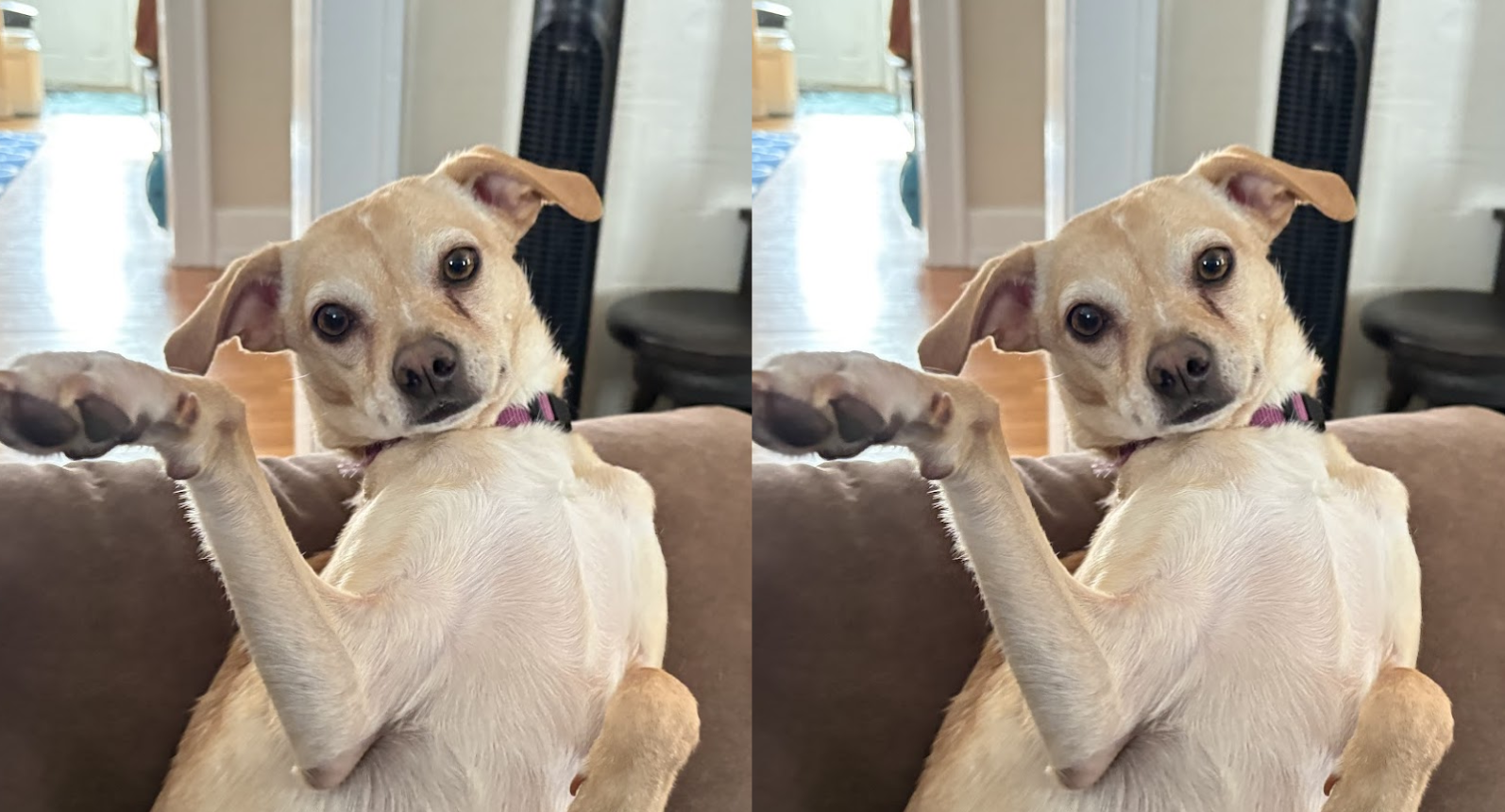
To read back a hidden message, we can use the first snippet shown above to pull out the least signficiant bits, then we merge them into bytes and convert those bytes to ASCII characters:
def bits_to_byte(bits):
    byte = 0
    for i in range(8):
        byte += bits[i] * (2** (7-i))
    return byte

new_byte_arr = []
i = 0
while i < len(new_bit_arr):
    chunk = new_bit_arr[i:i+8]
    byte = bits_to_byte(chunk)
    new_byte_arr.append(byte)
    i += 8

message = ''.join([chr(b) for b in new_byte_arr])
print(message)
# +++MESSAGE: This is a highly top secret message. Please do not read. Thank you!+++\x7f}³\x1f\x13ÝÓ3=Ý3ÝÝÓÝ3...
Of course, our message isn't that long, so the rest of the string will be gibberish. That's one reason I enclosed it between strings of '+++'. In a more serious system, having a known header/footer to define the interesting message would make regexing it out of the image data easier.
This is a pretty simple example, but we can successfully hide ASCII strings inside image data. That's pretty neat! But of course it doesn't just have to be ASCII data. Anything can be encoded as binary data with this method. You could even hide another image inside your image. And we don't have to hide plaintext, either. We could use something like PGP to securely encrypt our secret message and use steganography as an extra layer of security to hide the presence of the message at all.
Some working code is on github